The Weather Data Power User's Toolkit (2026)
Why no single app is enough — and the five that cover everything from ECMWF models to 86 years of climate history
Verdict: Quick Picks
Top recommendations at a glance
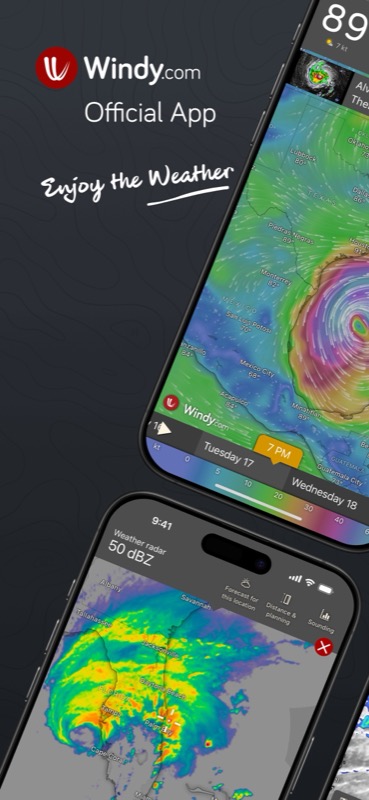
Windy
Free (Premium $3-30/yr)- 15+ NWP models including ECMWF, GFS, HRRR, ICON, NAM, and regional models
- Users can switch between and compare models directly on the map
- 50+ weather layers: wind, temp, pressure, clouds, CAPE, satellite, radar, air quality
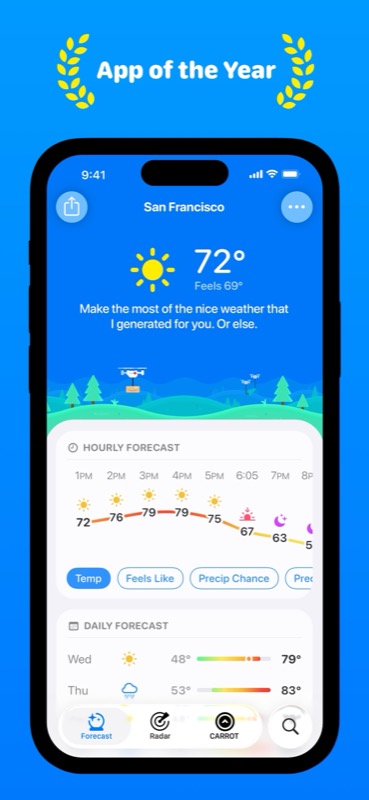
CARROT Weather
$20/yr Premium- Multiple switchable data sources: Foreca, Apple Weather, AccuWeather, Tomorrow.io, OpenWeather
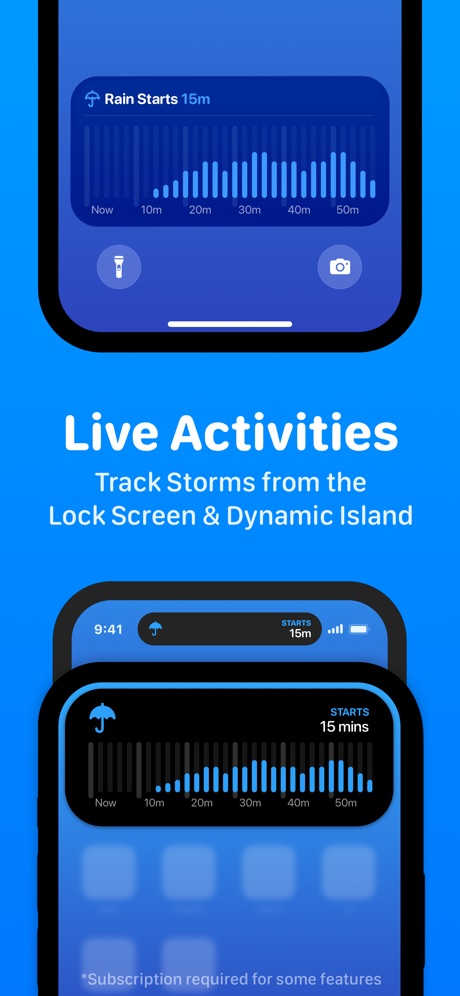
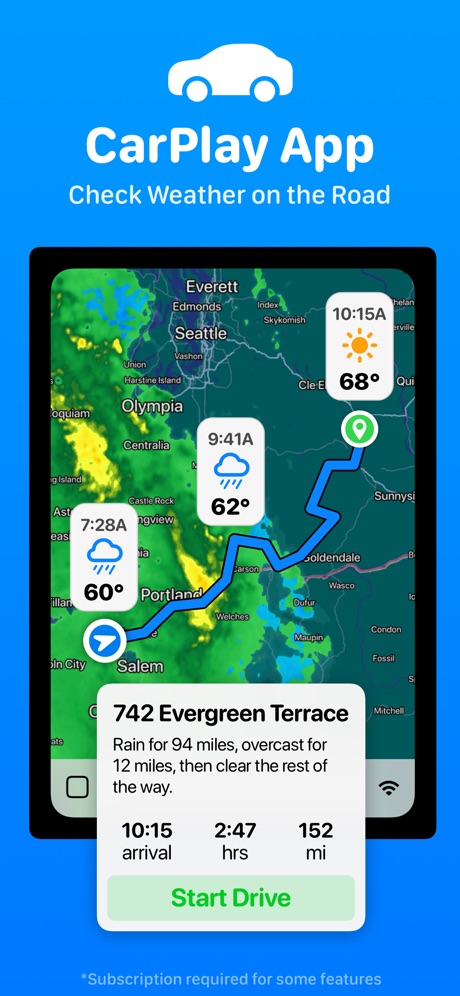
- Best iOS integration of any weather app: widgets, Live Activities, Watch, CarPlay, Siri, Vision Pro
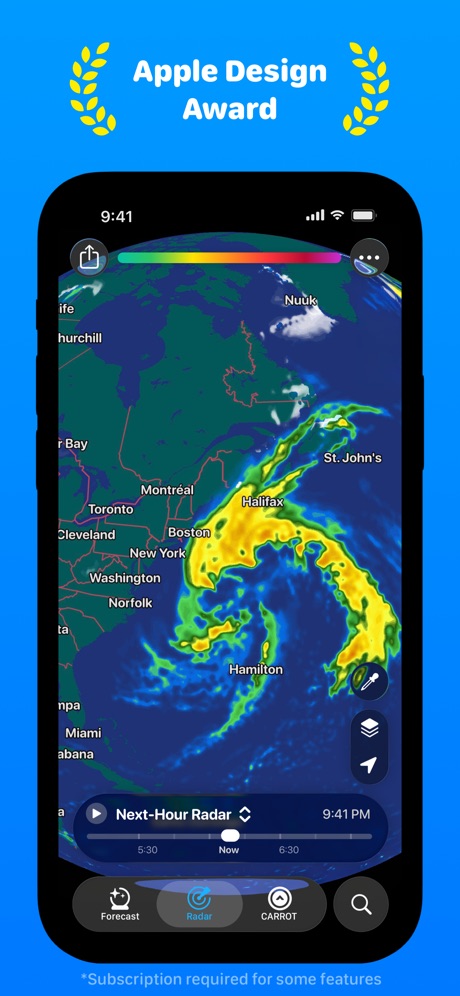
- Super-resolution radar and minute-by-minute precipitation forecasts
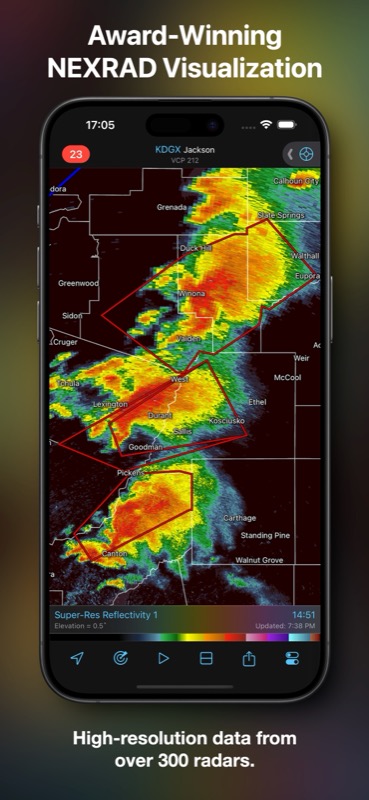
RadarScope
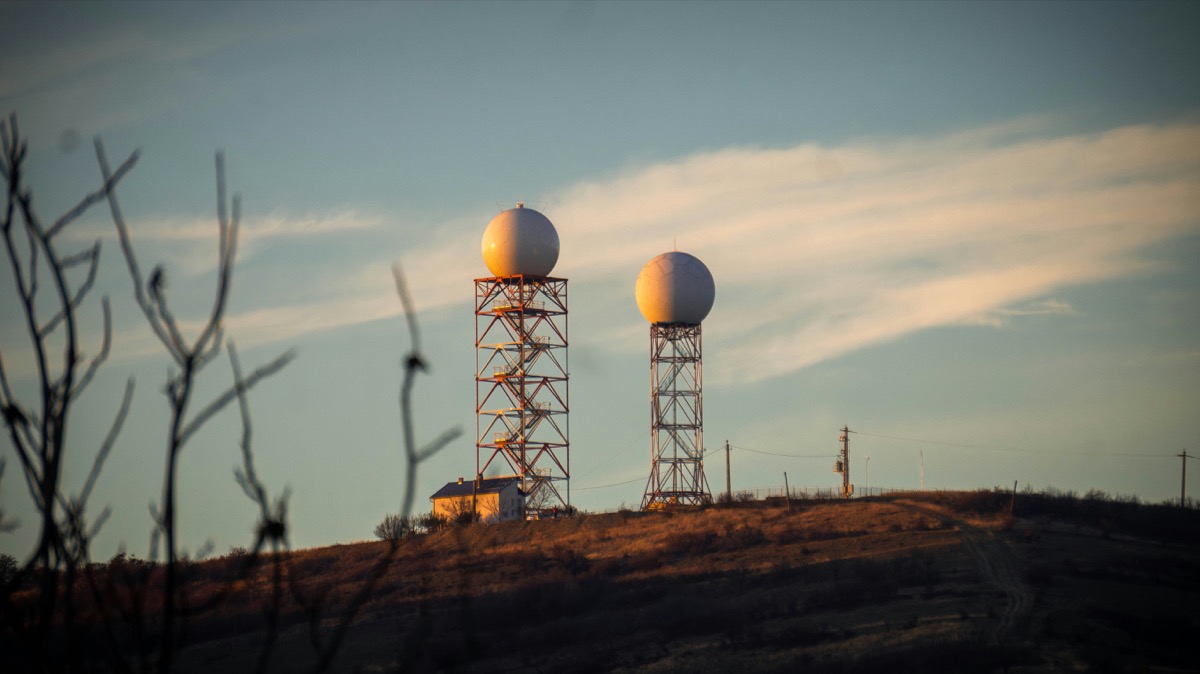
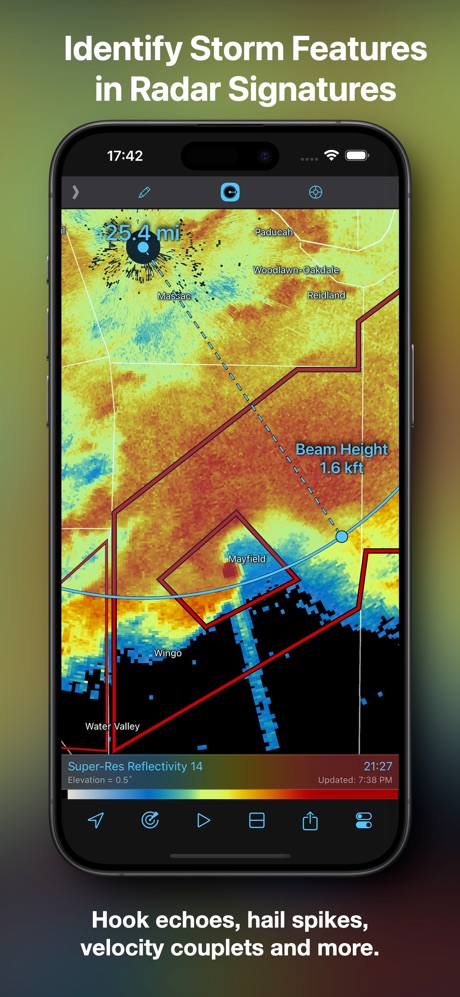
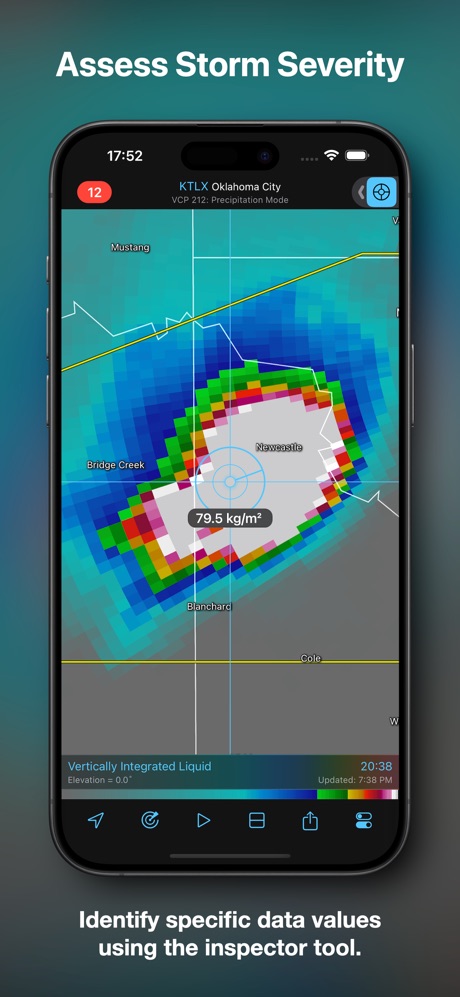
$10 + $100/yr Pro T2- Raw NEXRAD Level II and III data — unsmoothed, native radial format
- Dual-polarization products: correlation coefficient, differential reflectivity, spectrum width
- 30-year NEXRAD historical archive (Pro Tier Two) — unmatched depth
You Need a Stack, Not an App
The uncomfortable truth after evaluating 18 weather apps across 15 dimensions: the perfect weather app doesn’t exist. The market is fragmented by design — the skills needed to build professional-grade radar software are different from those needed to build a beautiful daily forecast widget, and both are different from what it takes to maintain 86 years of climate reanalysis data.
Every “best weather app” article picks one winner. We’re not doing that, because a single recommendation would be dishonest. If you’re serious about weather data, you need a toolkit — complementary apps that each excel at what they do.
The recommended stack costs about $170/year and gives you more weather data than most TV meteorologists have on their desks.
The Stack
Windy: Your Weather Command Center
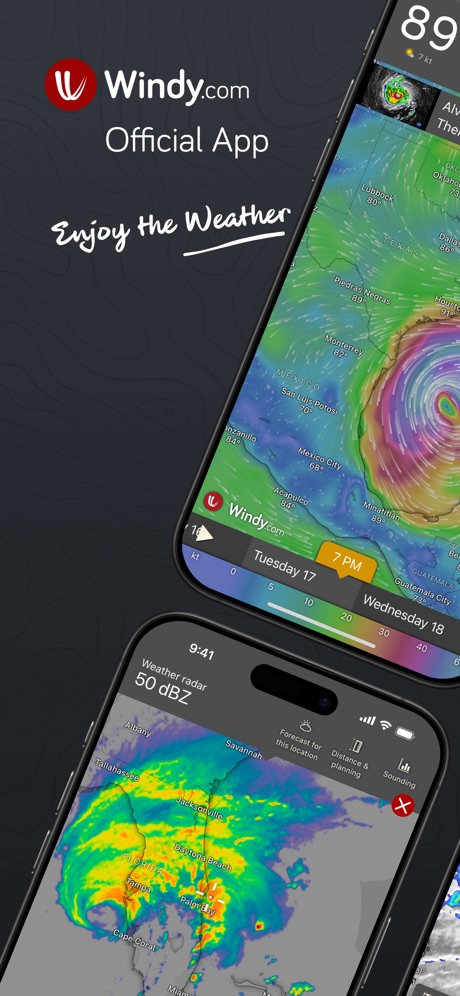
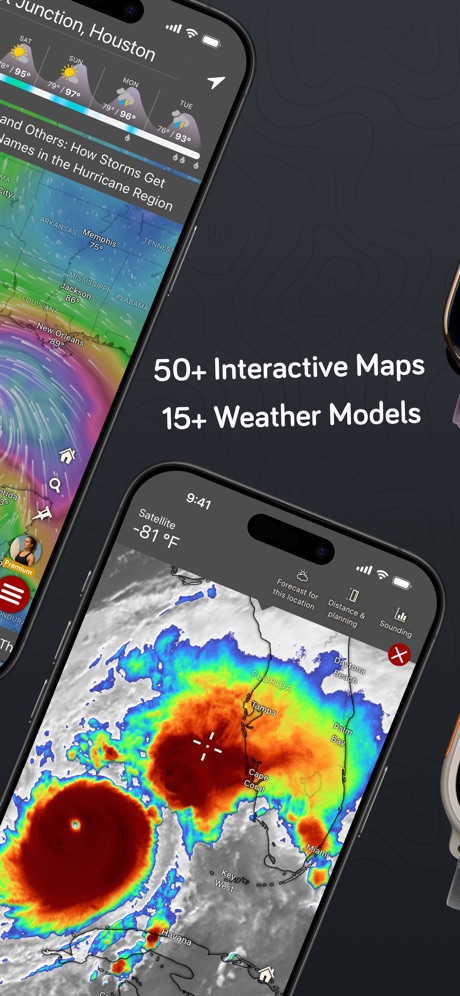
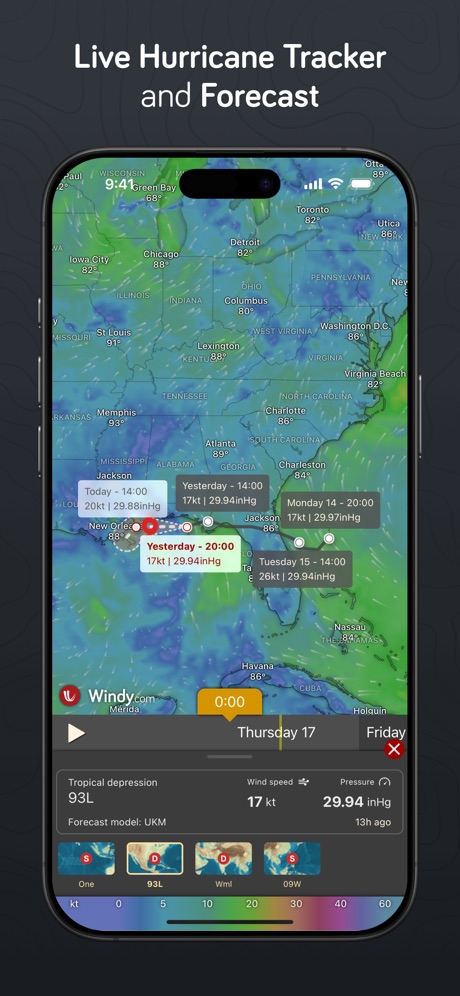
Windy is what happens when a Czech kitesurfer builds the weather app he actually wanted. Fifteen-plus numerical weather prediction models — ECMWF, GFS, HRRR, ICON, NAM, and a roster of regional models covering everything from French AROME to Japanese MSM — all visualized on animated maps that make the atmosphere legible at a glance.
The killer feature is model switching. Tap to see how ECMWF’s forecast disagrees with GFS for your location three days out. Layer in radar, satellite (GOES, Meteosat, Himawari), air quality from Copernicus CAMS, and fifty-plus other overlays. The 67,000 live webcams are an unexpected bonus — check what the sky actually looks like right now.
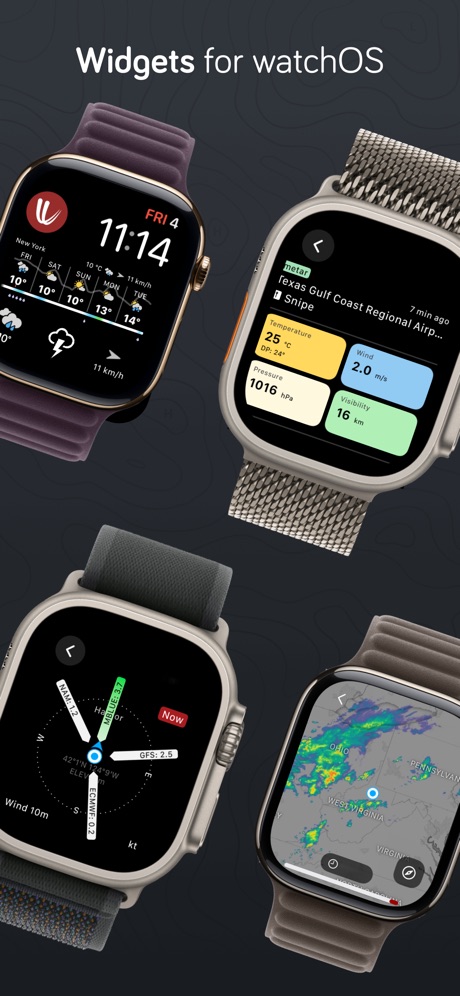
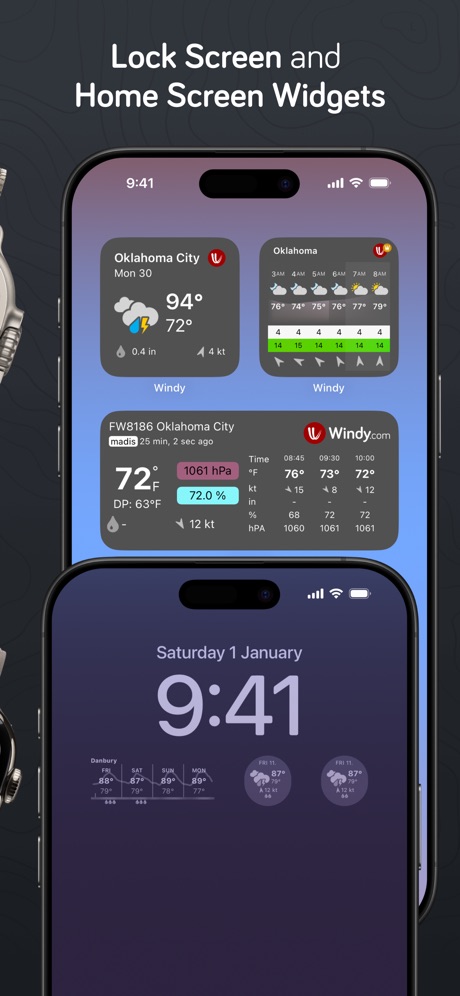
Windy is free. The premium tier adds more frequent model updates and deeper archives, but the free version already surpasses most paid competitors. Native apps on iOS, macOS, watchOS, and even Vision Pro.
What it doesn’t do: deep historical data, professional-grade radar products, or space weather. It’s a visualization and forecasting powerhouse, not a climate research tool.
CARROT Weather: The Daily Driver
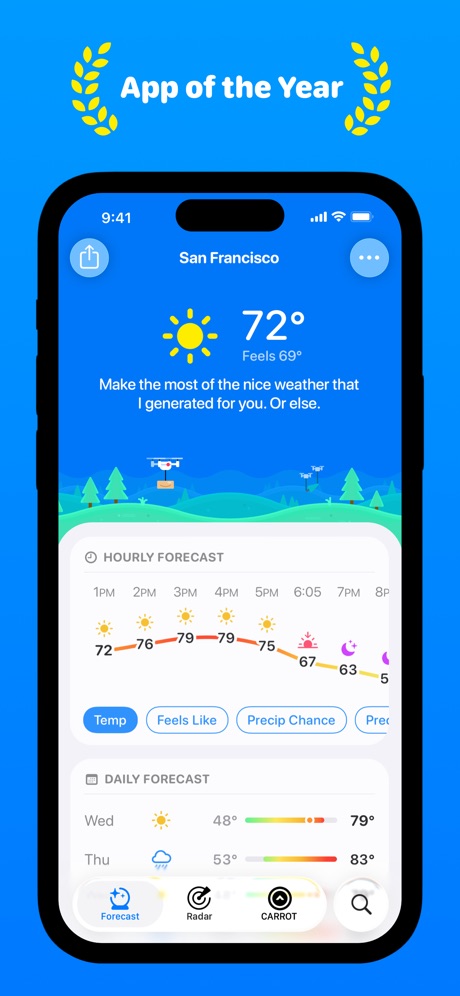
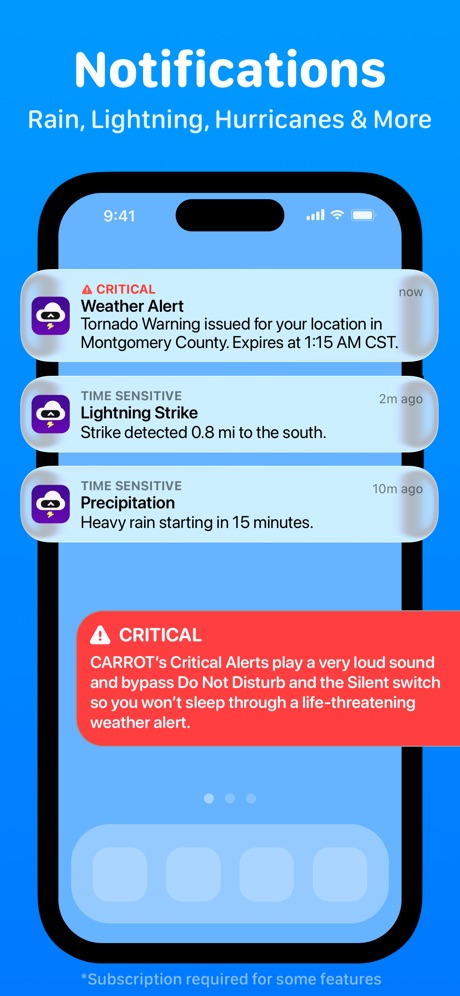
CARROT is the app you check twenty times a day. It takes weather data from multiple sources — Foreca (Finnish, known for accuracy), Apple Weather, AccuWeather, Tomorrow.io, OpenWeather — and lets you switch between them. The iOS integration is best-in-class: widgets that actually update, Live Activities during precipitation events, a Watch app with complications, CarPlay for road trips, and Siri Shortcuts for voice queries.
The personality system (five modes from Professional to Overkill) is either its best or worst feature depending on your tolerance for a weather app that calls you “meat sack.” The forecast data underneath the humor is genuinely good.
Super-resolution radar on Premium Ultra shows precipitation detail that Apple Weather can’t match. Minute-by-minute rain forecasts are accurate enough to time dog walks around showers.
What it doesn’t do: individual NWP model selection (sources abstract this), deep historical analysis, dual-polarization radar, or space weather. It’s a consumer masterpiece, not a meteorological workstation.
RadarScope: The Professional Instrument
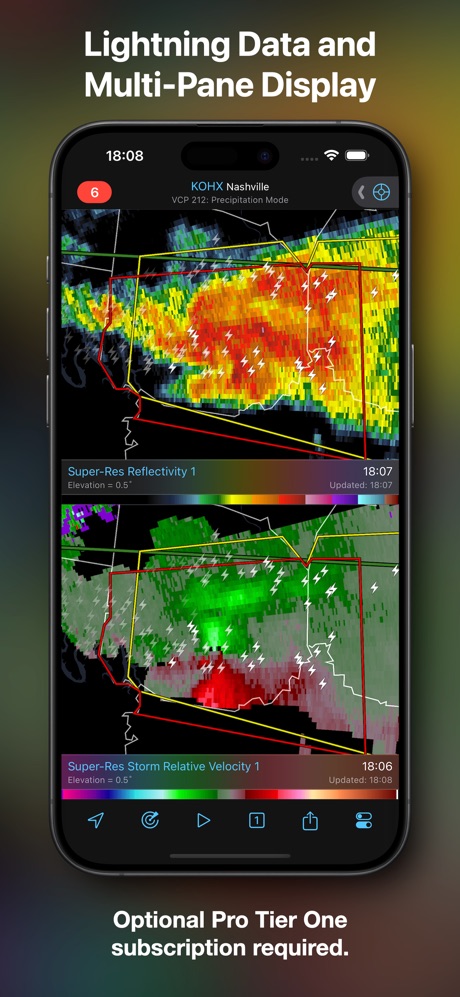
RadarScope exists because storm chasers and NWS meteorologists needed an app that shows what’s actually happening in the atmosphere, not a smoothed, interpolated approximation. It pulls raw NEXRAD Level II data — the same unprocessed radar feed that Weather Service offices use — and displays dual-polarization products that can distinguish rain from hail from tornado debris.
The 30-year historical archive on Pro Tier Two is remarkable. You can pull up the radar scan from any significant weather event in NEXRAD history. SPC convective outlooks, tornado vortex signatures, mesocyclone detection attributes, atmospheric soundings — this is genuinely professional-grade tooling.
Native macOS app with multi-pane display. The design is utilitarian because it has to be — this is an instrument panel, not a lifestyle app.
What it doesn’t do: forward forecasts (it’s observation-only), European radar beyond three countries, air quality, or anything resembling a pretty daily weather summary. US radar coverage is unmatched; everywhere else, it’s limited.
Meteoblue: The Climate Archive
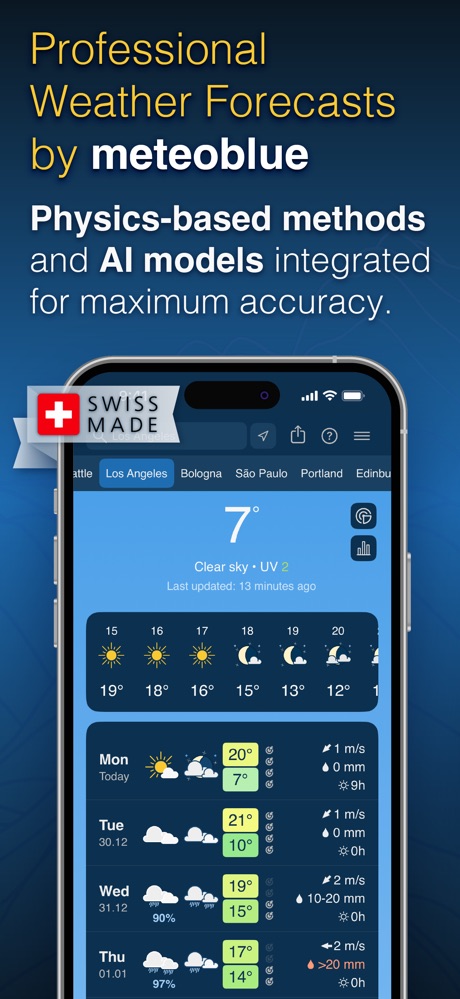
Meteoblue is the quiet overachiever. A University of Basel spinoff with 25+ NWP models — more than Windy — plus something no other consumer app offers: ERA5T reanalysis data stretching back to 1940. That’s 86 years of hourly temperature, precipitation, wind, solar radiation, and soil moisture for any location on Earth.
The MultiModel comparison view shows every major model’s forecast on a single chart. The forecast “predictability” indicator quantifies confidence in each prediction — when models agree, confidence is high; when they diverge, Meteoblue tells you the forecast is uncertain. No other app does this honestly.
Climate comparison tools let you analyze how weather patterns have shifted over decades. Agricultural metrics (growing degree days, evapotranspiration) serve farmers and gardeners. It’s Swiss, it’s academic, and it’s the most intellectually serious weather product available to consumers.
What it doesn’t do: pretty iOS widgets, professional radar, real-time severe weather alerts, or anything resembling Apple Design Award aesthetics. The web interface is the primary experience; the mobile app is functional but secondary.
Flowx: The Model Debate Settler
When GFS says rain and ECMWF says sunshine, Flowx is where you settle the argument. Its Compare Mode displays two models side-by-side on maps and graphs simultaneously — the visual equivalent of a meteorological second opinion.
At $20/year, it’s absurdly cheap for what it does. The swipe-through-time animation makes temporal weather progression intuitive. Marine data (waves, currents, sea surface temperatures) serves sailors. OpenZones provides free access during disaster events — a genuinely humane feature.
What it doesn’t do: serve as a daily driver, provide historical data, or replace dedicated radar apps. It’s a specialist tool for when you need to interrogate the models, and it does that one thing better than anyone.
The Specialists
SpaceWeatherLive: Solar and Aurora
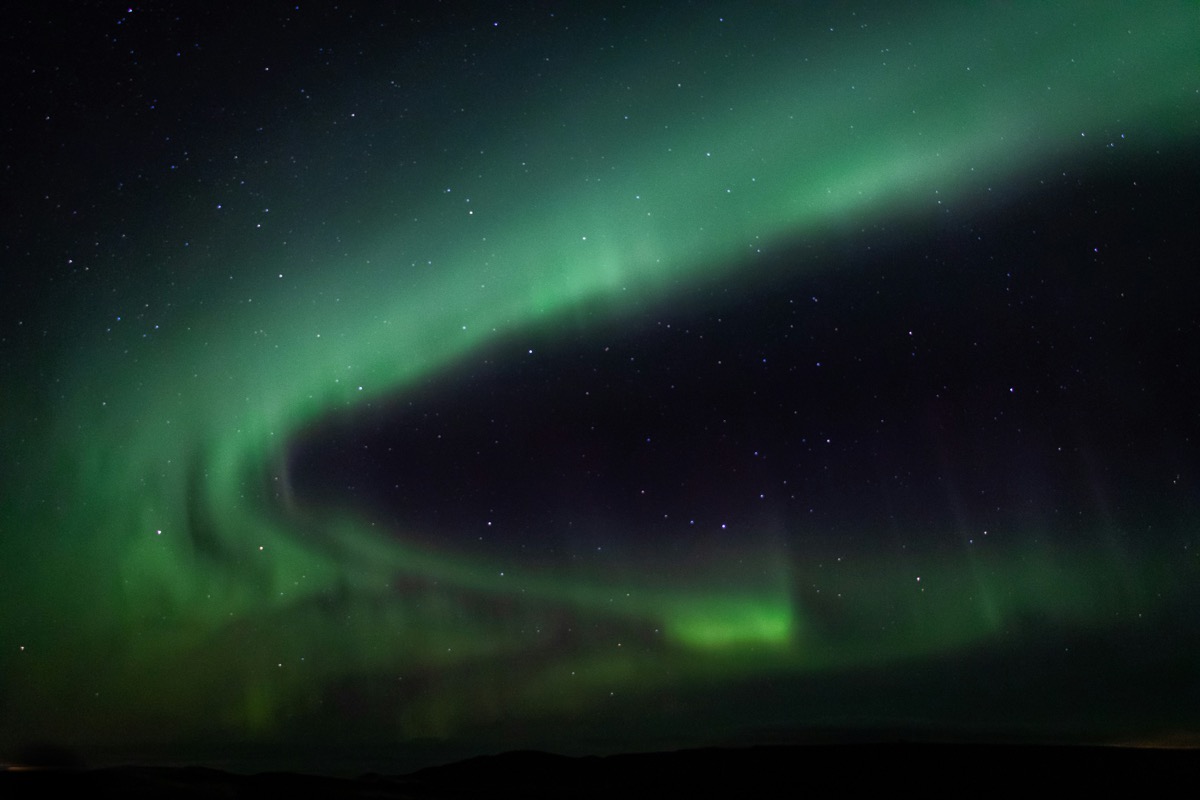
The only serious space weather app. Real-time solar activity, CME tracking with WSA-Enlil and HUXt forecast models, Kp-index, auroral oval maps, and live aurora webcam feeds. Essential if you care about geomagnetic storms, ham radio propagation, or chasing the northern lights. Free, run by a Belgian non-profit.
Yr: The Free European Option
Norway’s gift to the world. The Norwegian Meteorological Institute’s weather app is completely free — no ads, no subscriptions, no in-app purchases. Government-funded and beautifully designed with animated sky visualizations. Aurora notifications are a unique feature. Best for European coverage; decent globally. If you’re in Scandinavia, it’s the obvious primary app.
Mercury Weather: The Beautiful One
Apple Design Award winner for a reason. Mercury won’t show you ECMWF vs. GFS or dual-pol radar, but it will show you the day’s weather in a way that makes you briefly appreciate the art of interface design. Tide forecasts and trip weather planning are unusual features. If aesthetics matter to you alongside data, Mercury at $15/year is the prettiest weather app on any platform.
Weather Strip: The Innovator
Predicts rainbows. Seriously — a proprietary algorithm estimates when and where rainbows will appear. Also shows aurora predictions on a unique timeline visualization that displays weather phenomena as visual bands you scroll through. 23 widget styles (most of any weather app), and the entire thing is 8.8 MB. Privacy-first with zero tracking.
What We’d Skip
Weather Underground: The 250,000 personal weather stations are valuable for hyperlocal data, but the app is aging (3.9 stars), the interface is cluttered, and the user specifically asked for “no crowdsourced” data. Use it as a web resource for PWS observations, not as your primary app.
Tomorrow.io: Building its own weather satellite constellation is genuinely impressive technology, but the consumer app is an afterthought to their enterprise API business. Check back in two years.
Apple Weather: Surprisingly capable as a default — it now aggregates ECMWF, NWS, Met Office, DWD, JMA, and Environment Canada. But no model selection, limited radar, no satellite, no historical data, and no customization. Good enough for casual use; not enough for anyone reading this article.
Foreca: Excellent forecast provider, but better consumed through CARROT Weather than through Foreca’s own basic app.
The Bottom Line
The weather app market rewards specialization. Windy owns visualization and model access. RadarScope owns radar. Meteoblue owns history. CARROT owns the iOS daily experience. No single developer has the resources or domain expertise to do all four exceptionally.
A power user’s weather toolkit — CARROT ($20/yr) + RadarScope Pro T2 ($100/yr) + Windy (free) + Meteoblue history+ (~$50/yr) — runs about $170 annually. That’s less than a single weather station and gives you access to more meteorological data than existed in any form fifty years ago.
The atmosphere doesn’t care about your app preferences. But if you’re going to obsess over the data, you might as well have the right tools.
Analysis: Product Breakdown
Individual teardown and verification results
Windy
- 15+ NWP models including ECMWF, GFS, HRRR, ICON, NAM, and regional models
- Users can switch between and compare models directly on the map
- 50+ weather layers: wind, temp, pressure, clouds, CAPE, satellite, radar, air quality
- Real-time radar and satellite from GOES, Meteosat, and Himawari
- Native macOS app, iOS with widgets, CarPlay, Apple Watch, Vision Pro
- 67,000+ live webcams, 50,000+ airports with METAR/TAF
- Free tier includes all models and layers — premium adds archives and update frequency
- Interface is dense and overwhelming for beginners
- No deep historical climate data (radar loops limited to 1 year on premium)
- Not great as a quick-glance daily driver — it's a research tool
- Space weather coverage is minimal
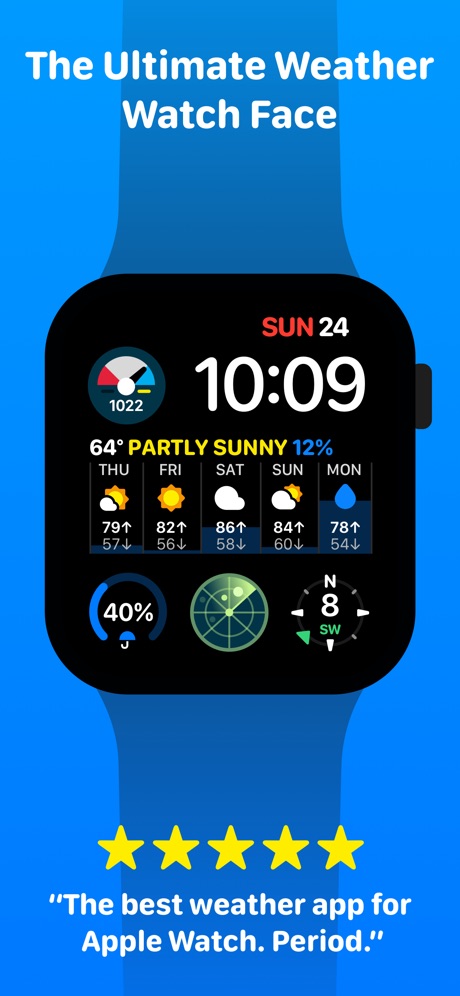
CARROT Weather
- Multiple switchable data sources: Foreca, Apple Weather, AccuWeather, Tomorrow.io, OpenWeather
- Best iOS integration of any weather app: widgets, Live Activities, Watch, CarPlay, Siri, Vision Pro
- Super-resolution radar and minute-by-minute precipitation forecasts
- Apple Design Award winner with five personality modes (Professional to Overkill)
- Privacy-first: location data never sold
- Apple Intelligence chatbot for natural language weather questions
- Cannot select individual NWP models — sources abstract the underlying models
- Historical data limited (Time Machine feature, but no multi-year climate analysis)
- Premium Ultra at $30-40/yr needed for the best features (super-res radar, CarPlay)
- No space weather, no atmospheric soundings, no dual-pol radar
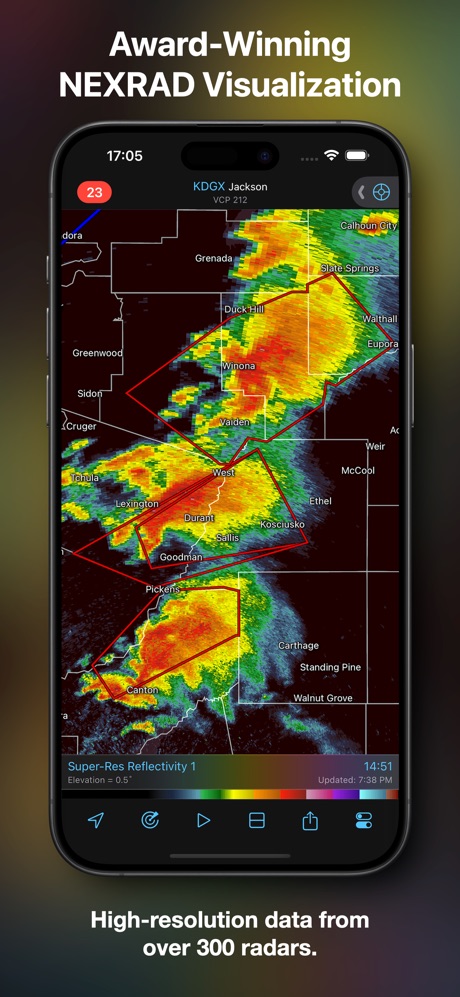
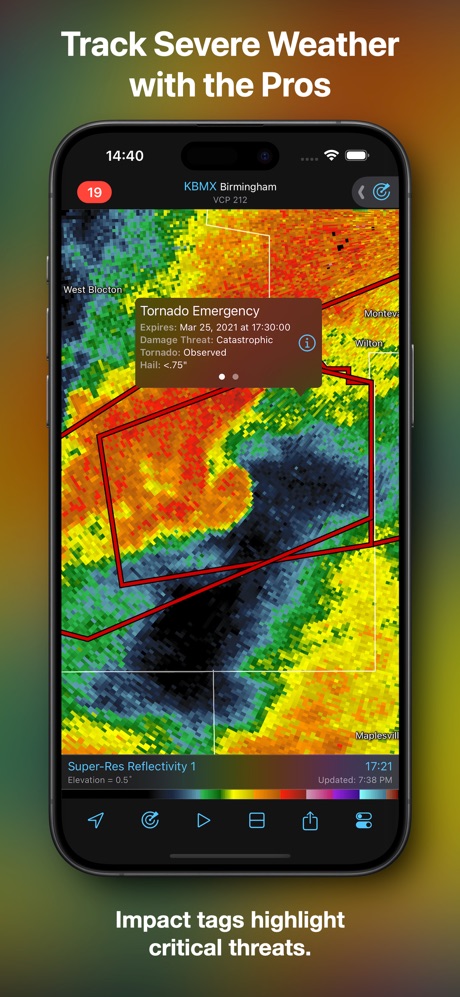
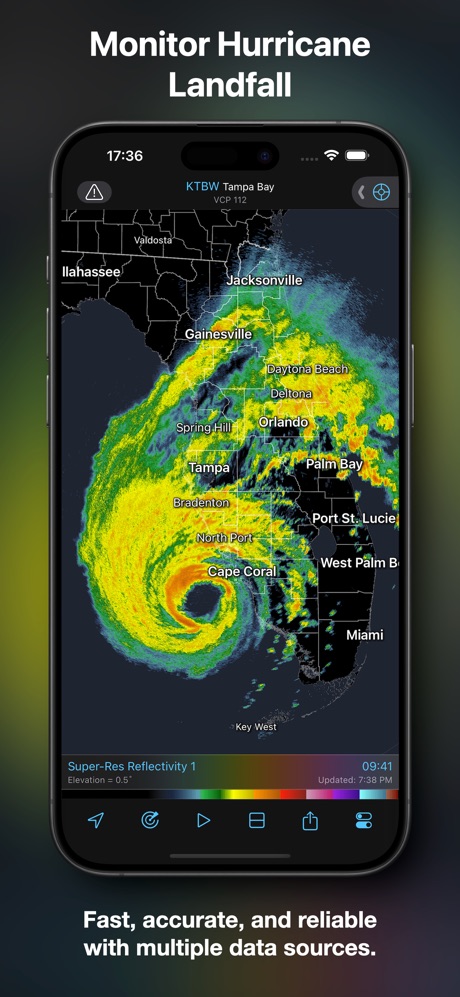
RadarScope
- Raw NEXRAD Level II and III data — unsmoothed, native radial format
- Dual-polarization products: correlation coefficient, differential reflectivity, spectrum width
- 30-year NEXRAD historical archive (Pro Tier Two) — unmatched depth
- GOES satellite, MRMS multi-radar products, atmospheric soundings
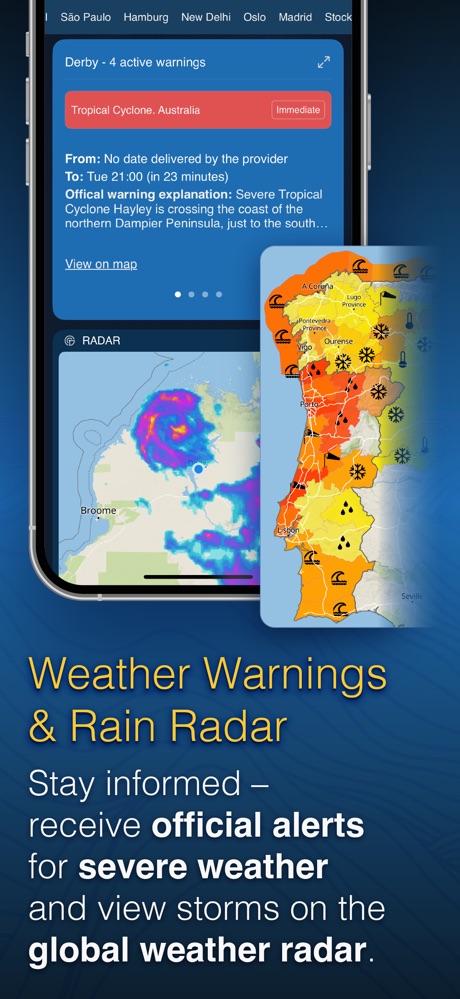
- All NWS warnings, SPC outlooks, TVS and mesocyclone detection
- Native macOS app with multi-pane display
- Used by actual NWS meteorologists and TV weather departments
- Not a forecast app — it's a radar observation tool
- US-centric: European radar limited to Denmark, Finland, Germany
- Utilitarian design — built for meteorologists, not aesthetics
- Pro Tier Two at $100/yr is the most expensive option in this roundup
- Steep learning curve for dual-pol products
Meteoblue
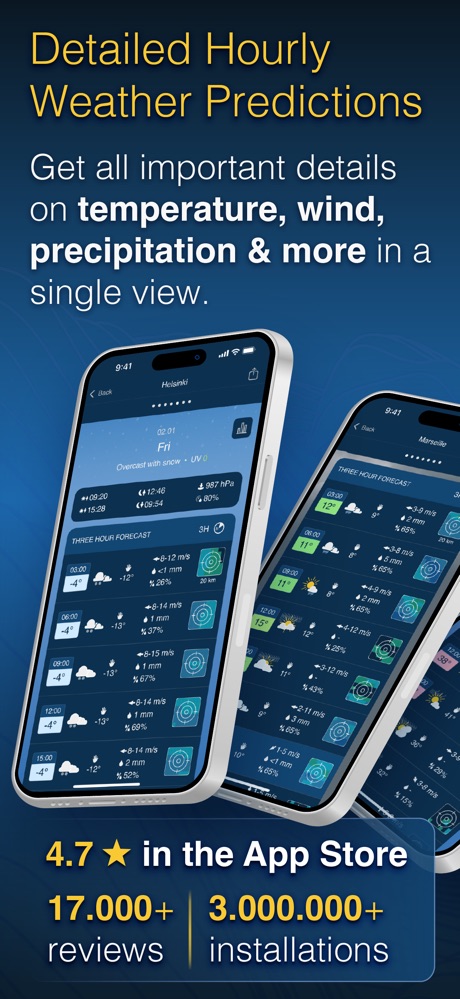
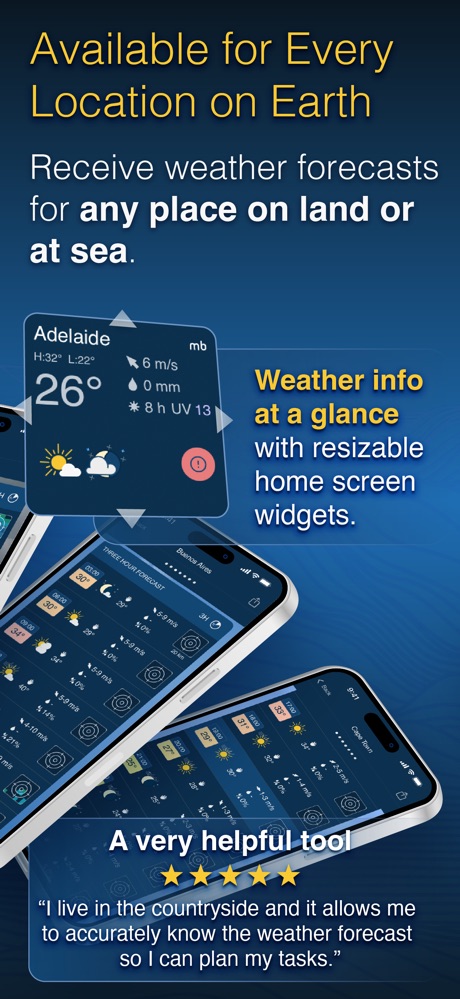
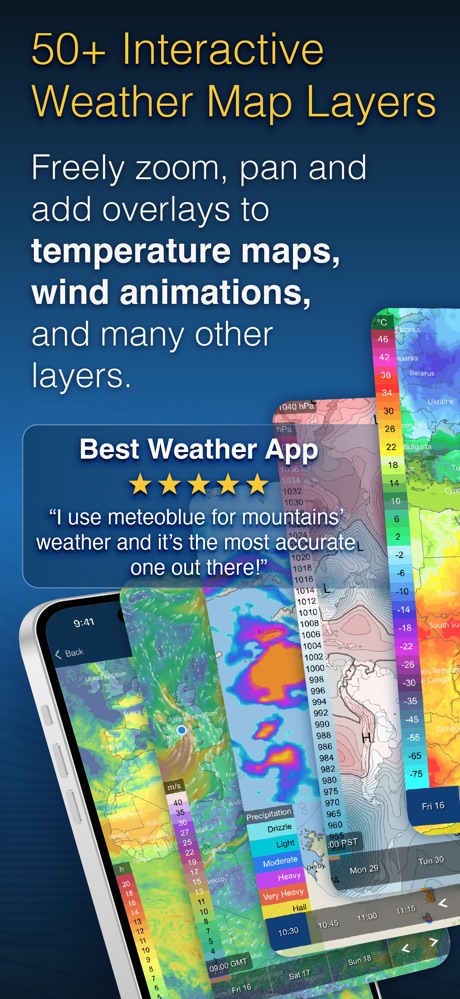
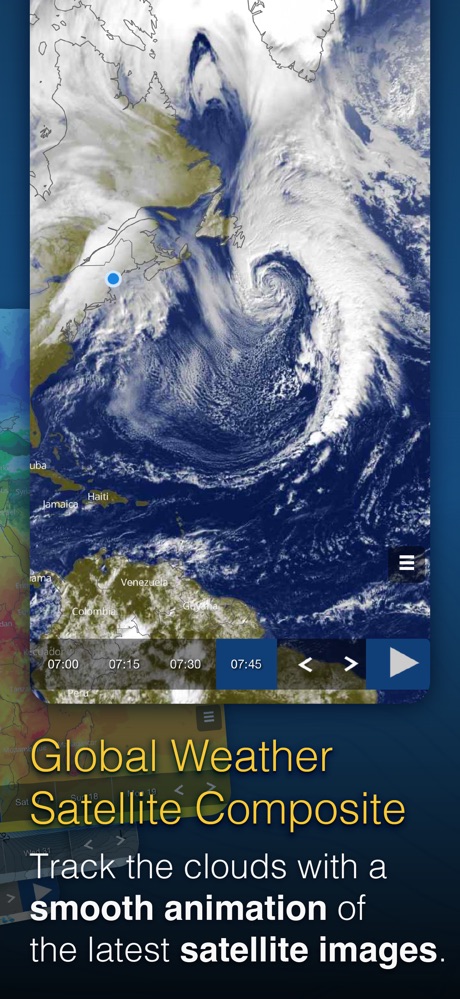
- 25+ NWP models including ECMWF, GFS, HRRR, ICON, ARPEGE, UKMO, GEM, and AI-native AIFS
- ERA5T reanalysis data back to 1940 — 86 years of hourly weather for any location
- MultiModel comparison: view all models simultaneously on a single chart
- Climate analysis tools: compare periods, analyze trends, seasonal forecasts
- Agricultural metrics: growing degree days, soil moisture, evapotranspiration
- Swiss academic roots (University of Basel spinoff) — serious meteorological credibility
- Web-first experience — iOS app is secondary, no native macOS app
- UI is functional but not polished (European data-density design)
- Historical data products priced per-location
- Radar and satellite are basic compared to Windy or RadarScope
Flowx
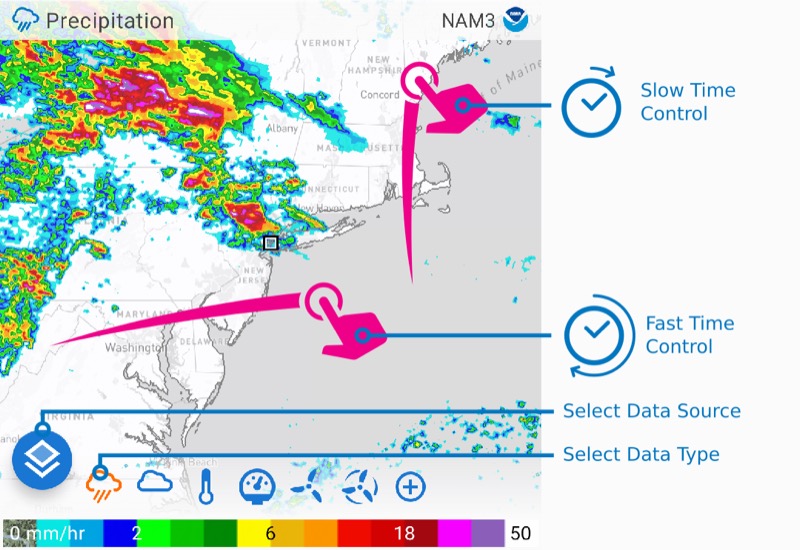
- Compare Mode: side-by-side model evaluation on maps AND graphs simultaneously
- GFS, ECMWF, ICON, HRRR, NAM, AROME, and regional models
- Swipe-through-time animation for temporal weather progression
- Marine data: waves, currents, sea surface temperatures
- OpenZones: free access during disaster events
- Privacy-first: no ads or tracking
- Best value at $20/yr for serious model comparison
- No macOS app
- Not a daily driver — it's a model comparison specialist
- No historical climate data
- No radar depth (basic layer only)
- Smaller community than Windy
Research Methodology
18 weather apps evaluated across 15 dimensions including forecast model access, historical data depth, radar capabilities, satellite imagery, air quality, severe weather alerts, space weather, platform support, and pricing. Data sourced from Apple App Store listings, official product websites, developer documentation, and ServeTheHome reviews. All features verified against first-party sources — unverifiable claims are noted. No apps were provided by developers for review.